One person can get the group started.
Add people by name and start recording expenses. When they join from their own phone, send them an invite to the app.
Trips, households, and plans with friends
Create a group, record who paid, and choose who shares each expense. Cada Uno calculates the balances and shows who pays whom.
Start as a guest. Create your account when you want to.
Someone buys the groceries. Someone else books the accommodation. Keep those expenses together and see each person’s share.
Add people by name and start recording expenses. When they join from their own phone, send them an invite to the app.
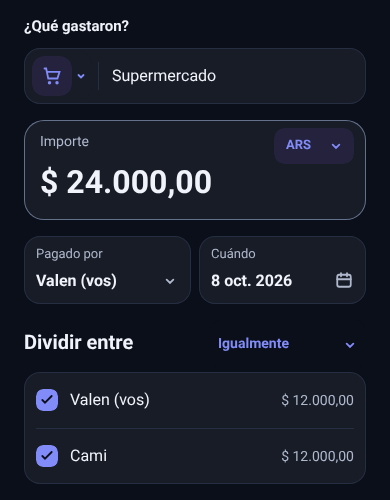
Choose who shares each expense. Split equally, assign shares, or enter an exact amount for each person.
Record expenses in different currencies and adjust the suggested rate when needed. Each entry keeps its original amount and saved rate.
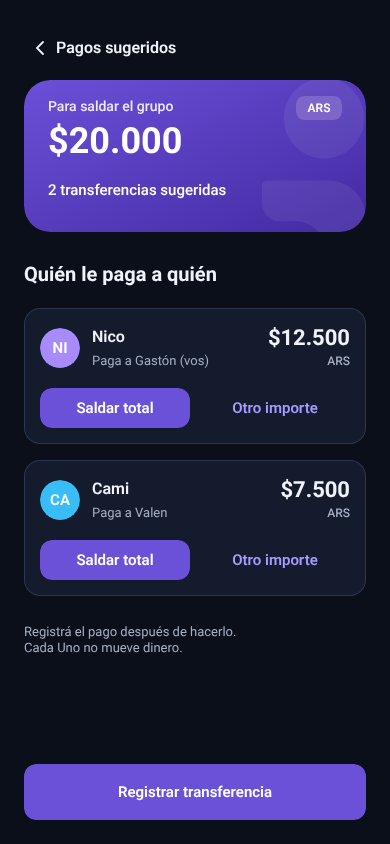
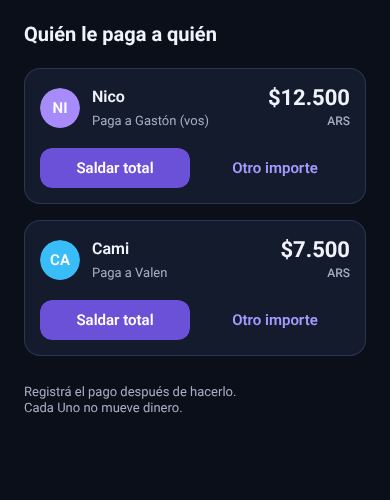
Check who pays whom. Record a full or partial payment once it happens; the remaining balance updates automatically.
Create your group and add the people sharing expenses. Then follow the accounts from the app.
App screenshots below are shown in Spanish.
Enter the amount, select who paid, and choose how to split it. You can also attach a receipt.
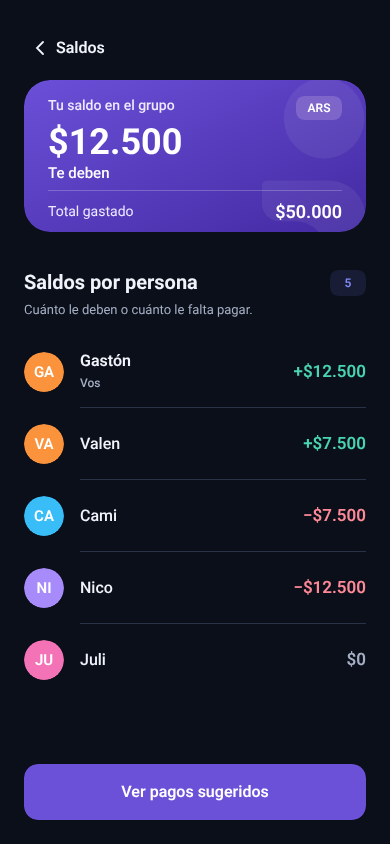
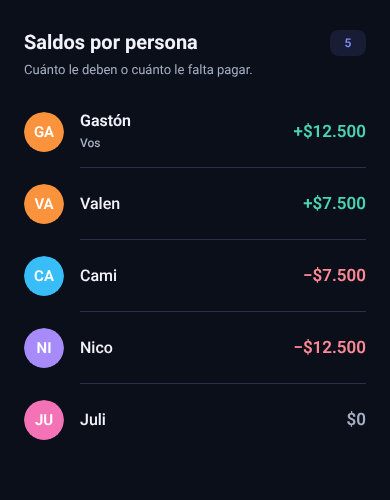
See how much each person owes or is owed. Balances update with each movement.
Follow the suggested payments. After paying outside the app, record the full amount or a partial payment.
You can also record shared income, such as a refund, so it is reflected in the group balances.
You can start as a guest and create a group. If you later create an account from your profile, your current groups and expenses stay with you.
One person can keep the accounts by adding everyone by name. To join and use the group from their own phone, each person needs to install the app and open an invite link.
Cada Uno does not move money. It suggests who pays whom and lets you record a full or partial payment after you make it outside the app.
You can record expenses, check balances, and use suggested payments without paying. Guest accounts can create up to three groups; see the guide for the current limits.
Check the current limits
Create a group for the trip, the household, or the next dinner with friends. Start as a guest and record the first expense.
Download for Android